|
|
|
Home | Forums |
Downloads | Gallery |
News & Articles | Resources |
Jobs | FAQ |
| Join |
Welcome !
|
9 Users Online (7 Members):
Show Users Online
- Most ever was 626 - Mon, Jan 12, 2015 at 2:00:17 PM |
Forums
|
Forums >> Revit Building >> Technical Support >> Label to mark Beams Height
|
|
|
active
Joined: Thu, Apr 17, 2014
0 Posts
No Rating |
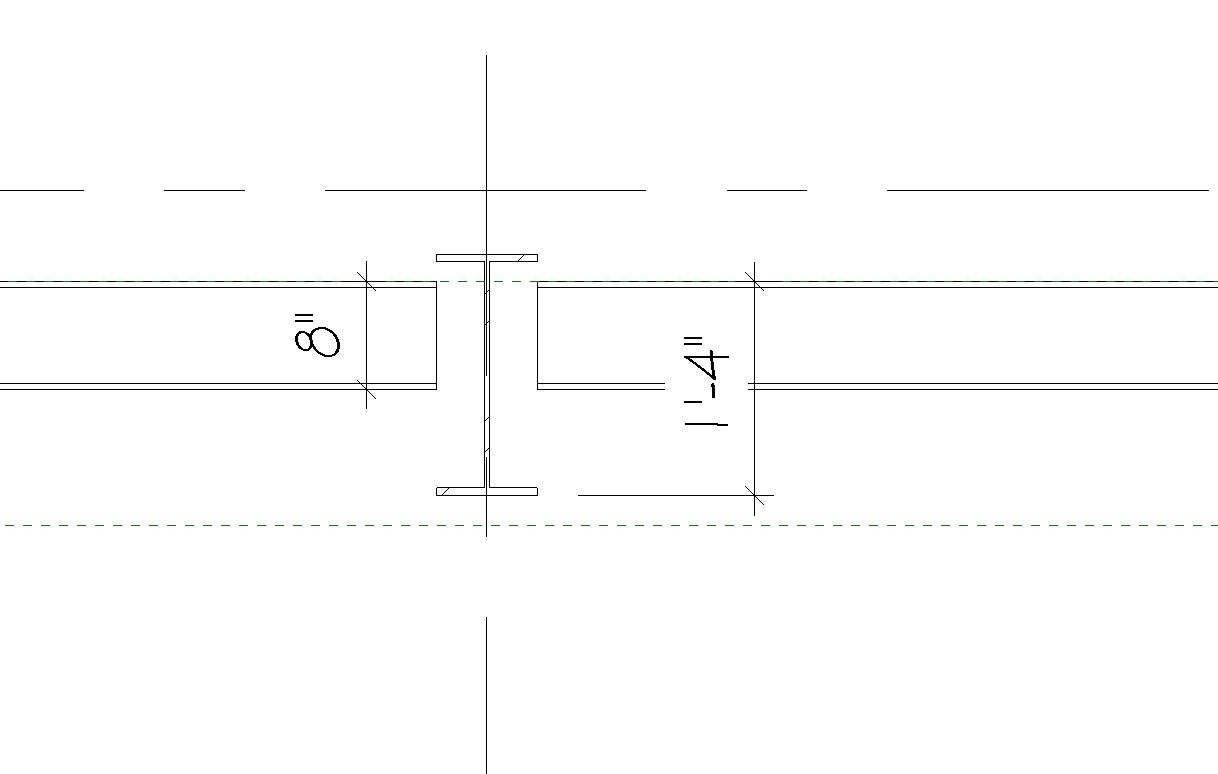
Hello, I'm trying to make or find a label that will mark in plan the height of the beam from the reference level to the bottom of the beam like shown in this section. Is there a way to do this or it has to be done manually?
Thanks!
|
This user is offline |
|
 | |
|
|
active
Joined: Thu, Apr 17, 2014
0 Posts
No Rating |
Sorry I forgot, I'm using Revit 2016 / Windows 7
Edited on: Fri, Feb 5, 2016 at 11:32:28 AM
-----------------------------------
Revit 2019 / Windows 7 |
This user is offline |
|
|
|
Similar Threads |
|
add height label to outlet symbol (2019) |
Revit Building >> Tips & Tricks
|
Mon, Feb 22, 2021 at 11:46:51 AM
|
3
|
|
Tagging curver beams in plan view |
Revit Structure >> Technical Support
|
Wed, Jan 6, 2010 at 2:41:54 PM
|
2
|
|
type mark tags and height/width reference |
Revit Building >> Technical Support
|
Mon, Apr 13, 2015 at 10:04:42 AM
|
1
|
|
Label height parameter of power point family |
Revit Building >> Technical Support
|
Thu, Oct 16, 2008 at 9:02:48 PM
|
0
|
|
label parameter formula |
Revit Building >> Technical Support
|
Thu, Apr 26, 2012 at 12:15:03 PM
|
2
|
|
|
Site Stats
Members: | 2161655 | Objects: | 23325 | Forum Posts: | 152479 | Job Listings: | 3 |
|
 Search