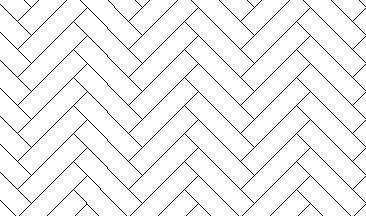
The pattern is currently scaled to 3x12, if you need something larger or smaller change the import scale. For example, a 6x24 tile would be imported at 2.00 scale.
To rotate the pattern to 45 degrees, fill a region then rotate using the rotate tool and then edit the boundaries to fix the edges.
If you are having trouble downloading the file, right click on the page of code and do a save as file. Set the type to all files and change the .txt to .pat. If .pat is already selected you may still need to erase it and type it in manually. If you save the file and it appears on your computer as a text file that opens with notepad, save that file as a .pat file and Revit should be able to import it as a hatch pattern.
CSI Division: 99 Uncategorized RevitCity Division: Fill Patterns
Uploaded By:Xishom Uploaded On: Tue, Jul 19, 2022 Original Creator: Xishom

 Search