|
|
|
Home | Forums |
Downloads | Gallery |
News & Articles | Resources |
Jobs | FAQ |
| Join |
Welcome !
|
2 Users Online (0 Members):
Show Users Online
- Most ever was 626 - Mon, Jan 12, 2015 at 2:00:17 PM |
Forums
|
Forums >> Revit Building >> Technical Support >> Custom fill pattern with a background
|
|
|
active
Joined: Fri, Apr 9, 2010
12 Posts
No Rating |
Is there a way to create a fill pattern that has a background shade or overlapping pattern?
Autocad has an option to add a shade (or color) fill in the background of a hatch. I am trying to reproduce that, but can't find the same function in Revit.
Im on both Revit and autocad 2018
Thanks
|
This user is offline |
|
 | |
|
|
active

Joined: Tue, Aug 25, 2009
0 Posts
 |
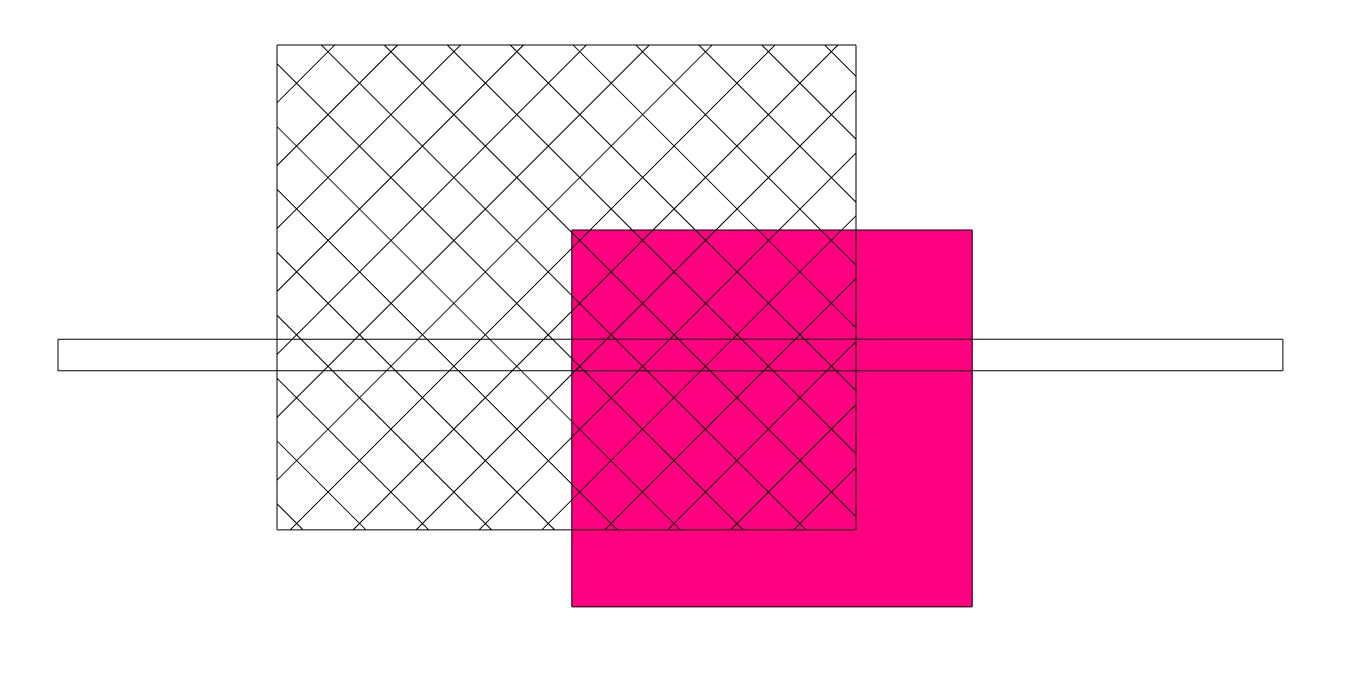
you have to create two filled regions.
one solid in color (send it to the back)
a second one with a hatch pattern.
They both should be set to transparent.
|
This user is offline |
View Website
|
|
|
Similar Threads |
|
create a custom fill pattern [ 1 2 ] |
Revit Building >> Technical Support
|
Mon, Jun 28, 2021 at 2:32:51 PM
|
29
|
|
MEDIUM SCALE FILL COLOR AND PATTERN |
Revit Building >> Technical Support
|
Tue, Sep 11, 2012 at 7:06:12 AM
|
2
|
|
Stray Lines in custom Revit fill pattern |
Revit Building >> Technical Support
|
Mon, Jul 8, 2013 at 8:02:44 AM
|
4
|
|
fill pattern alignment |
Revit Building >> Technical Support
|
Sun, May 3, 2009 at 1:28:15 PM
|
4
|
|
color scheme/fill pattern |
Revit Building >> Technical Support
|
Mon, Jul 9, 2012 at 4:56:36 AM
|
3
|
|
|
Site Stats
Members: | 2161655 | Objects: | 23325 | Forum Posts: | 152479 | Job Listings: | 3 |
|
 Search