|
|
|
Home | Forums |
Downloads | Gallery |
News & Articles | Resources |
Jobs | FAQ |
| Join |
Welcome !
|
20 Users Online (18 Members):
Show Users Online
- Most ever was 626 - Mon, Jan 12, 2015 at 2:00:17 PM |
Forums
|
Forums >> Revit Building >> Technical Support >> Translucent roof in Revit 2014
|
|
|
active
Joined: Wed, Oct 1, 2014
0 Posts
No Rating |
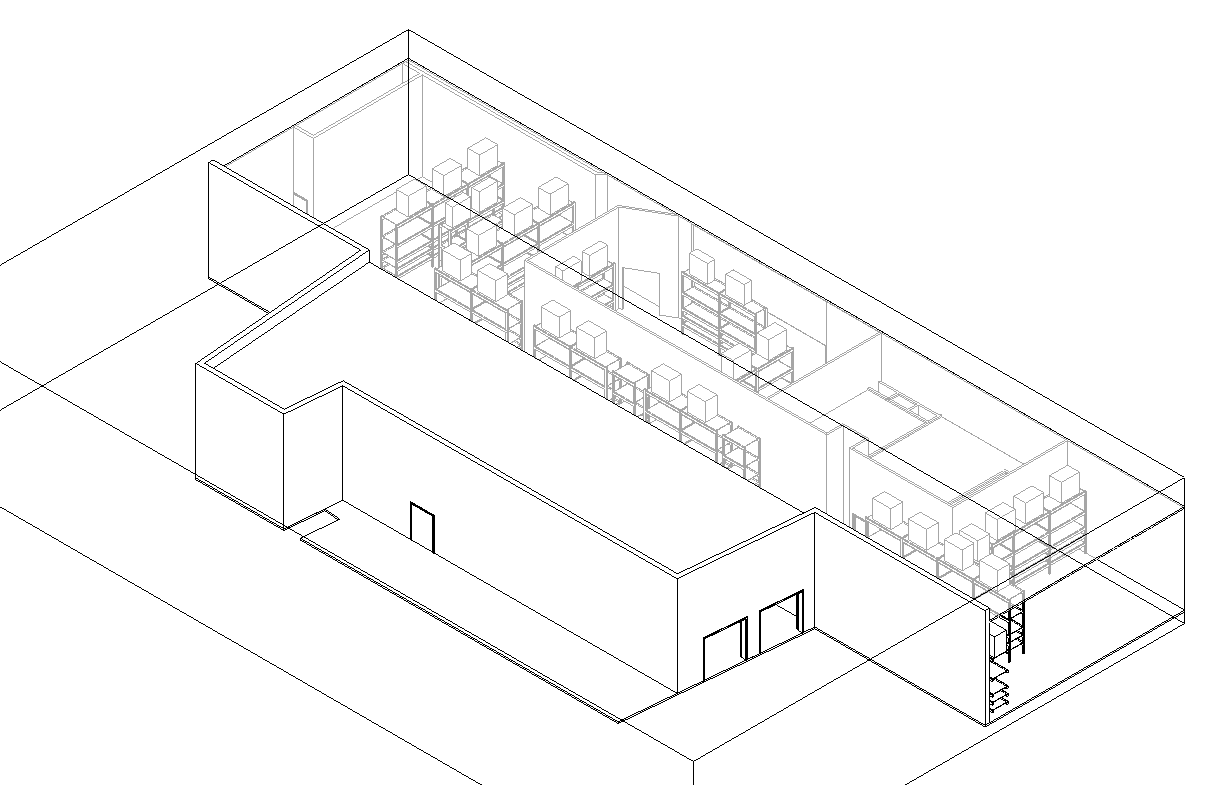
I am currently working on a project and have 2 seperate roofs; both the same family type (Generic 4") and having the same proporties/parameters. But for some reason one is translucent and the other is normal. I have checked the visibility graphics and transparancy is set to 0 for Roof, and I also checked to see if possibly a material was painted on the one roof, but it is not. Any help here?
|
This user is offline |
|
 | |
|
|
active

Joined: Fri, Sep 3, 2010
0 Posts
 |
Have you checked ‘Override Graphics in View’? Select roof in question, right click, Override Graphics in View, by element, and click ‘Reset’ button.
|
This user is offline |
|
|
|
active
Joined: Wed, Oct 1, 2014
0 Posts
No Rating |
That was it. I knew it was going to be something simple that I couldn't think of. Thank you!
|
This user is offline |
|
|
|
Similar Threads |
|
Translucent Existing Phase after Rendering |
Revit Building >> Technical Support
|
Sun, Sep 28, 2014 at 7:08:34 AM
|
1
|
|
Casting shadows with translucent objects? |
Revit Building >> Technical Support
|
Wed, Sep 2, 2009 at 3:51:37 PM
|
0
|
|
Water mark not translucent |
Revit Building >> Technical Support
|
Mon, Jul 20, 2015 at 1:01:44 AM
|
8
|
|
Translucent polycarbonate facade |
General Discussion >> Revit Project Management
|
Wed, Apr 2, 2014 at 4:06:07 PM
|
4
|
|
Translucent Filled Regions |
Revit Building >> Technical Support
|
Tue, Dec 13, 2011 at 7:34:31 AM
|
1
|
|
|
Site Stats
Members: | 2161655 | Objects: | 23325 | Forum Posts: | 152479 | Job Listings: | 3 |
|
 Search