|
|
|
Home | Forums |
Downloads | Gallery |
News & Articles | Resources |
Jobs | FAQ |
| Join |
Welcome !
|
5 Users Online (3 Members):
Show Users Online
- Most ever was 626 - Mon, Jan 12, 2015 at 2:00:17 PM |
Forums
|
Forums >> Revit Building >> Technical Support >> Surface pattern to Topo surface
|
|
|
active
Joined: Thu, Dec 2, 2004
7 Posts
No Rating |
Hi,
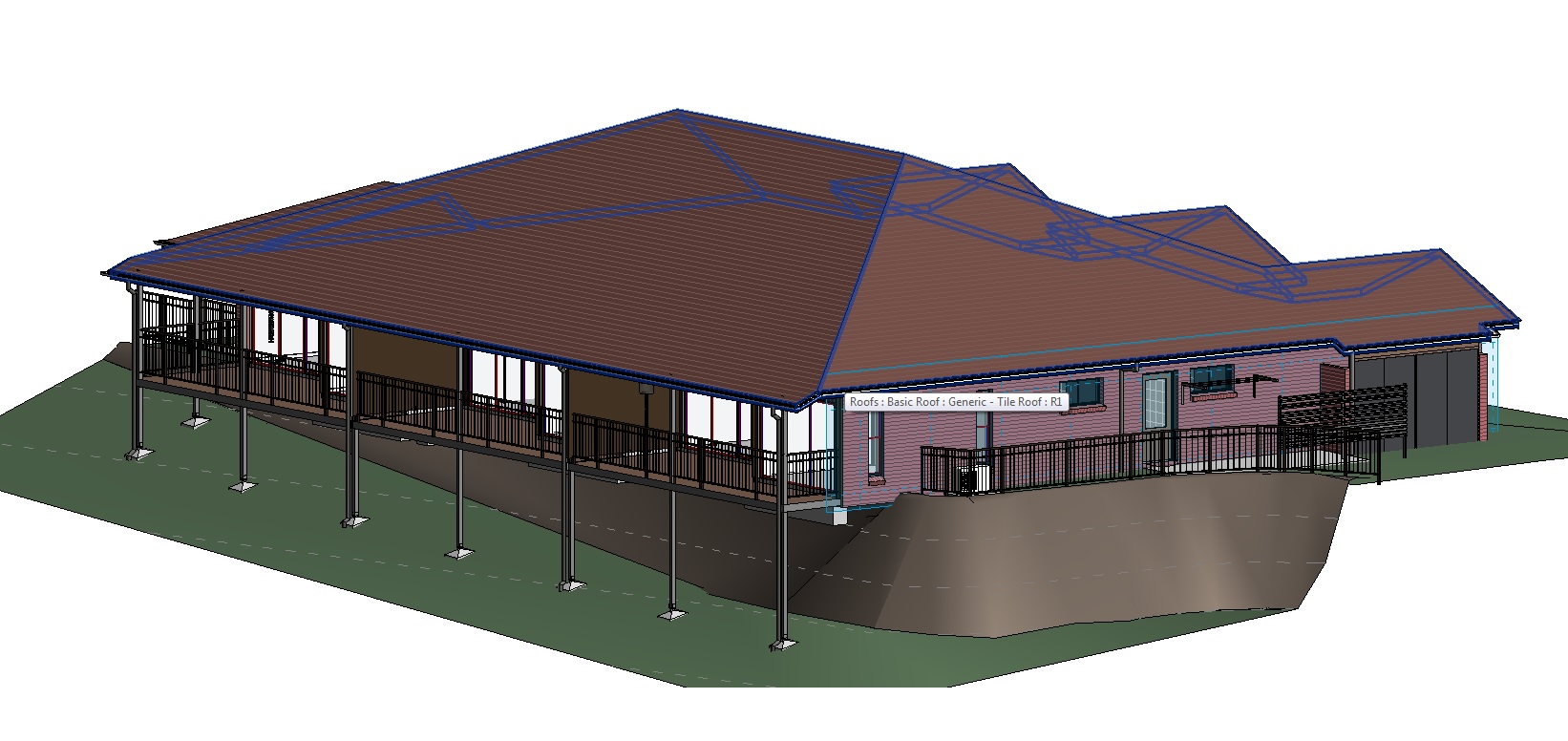
Am trying to represent a boulder wall in construction documentation for a residential project.
I have modelled a the topo surface, split it to show the retaining wall and changed the material.
Its shows as brown in shaded view though I have had no success getting it to display the surface pattern for B&W drawings.
is there a way to apply a surface pattern to topo surfaces?
Regards
Brent
|
This user is offline |
|
 | |
|
|
active
Joined: Thu, Mar 29, 2012
113 Posts
 |
Hi
i think its a system limitation eh.
"Topographical surfaces do not support surface patterns. The surface pattern associated with this material will not be displayed on the indicated surface."
-----------------------------------
** dont be mad, i dont have much... i am homeless |
This user is offline |
|
|
|
active
Joined: Thu, Dec 2, 2004
7 Posts
No Rating |
Thanks Ron.
|
This user is offline |
|
|
|
Similar Threads |
|
placing a street, vegetation and barrier or railing on topo surface |
Revit Building >> Tips & Tricks
|
Tue, Jan 17, 2017 at 5:47:40 AM
|
1
|
|
SURFACE PATTERN LINE WEIGHT |
Community >> The Studio
|
Fri, Mar 28, 2014 at 2:30:00 PM
|
7
|
|
Deleted Topo Surface |
Community >> Newbies
|
Fri, Apr 2, 2010 at 3:54:58 PM
|
5
|
|
Topo Surface from autocad into revit |
Community >> Newbies
|
Tue, Oct 13, 2009 at 10:37:25 PM
|
4
|
|
Surface pattern problem |
Revit Building >> Technical Support
|
Tue, May 18, 2010 at 9:15:56 AM
|
3
|
|
|
Site Stats
Members: | 2161655 | Objects: | 23325 | Forum Posts: | 152479 | Job Listings: | 3 |
|
 Search