|
|
|
Home | Forums |
Downloads | Gallery |
News & Articles | Resources |
Jobs | FAQ |
| Join |
Welcome !
|
56 Users Online (54 Members):
Show Users Online
- Most ever was 626 - Mon, Jan 12, 2015 at 2:00:17 PM |
Forums
|
Forums >> Revit Building >> Technical Support >> In-place Mass Sweep
|
|
|
active

Joined: Sat, Sep 4, 2010
173 Posts
 |
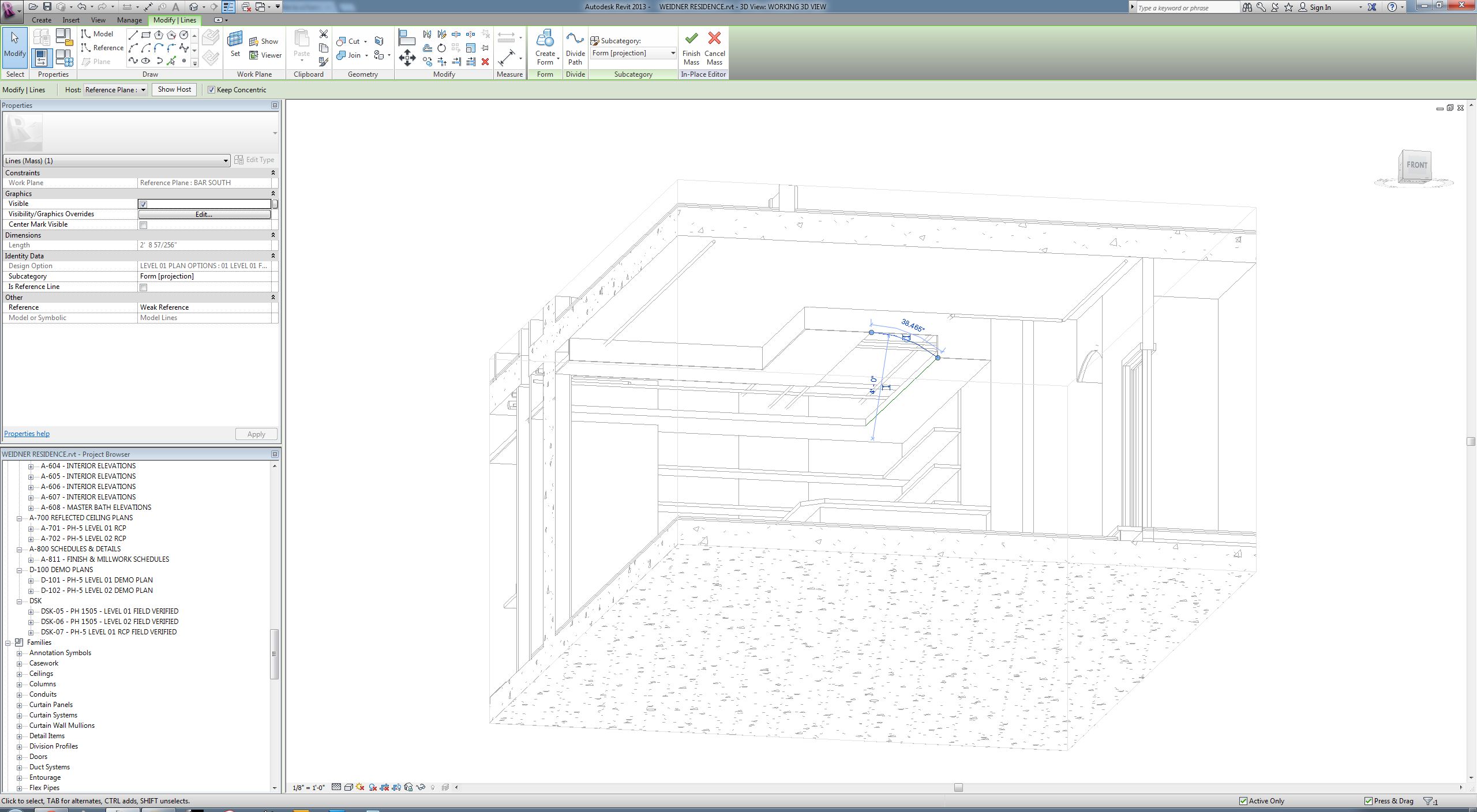
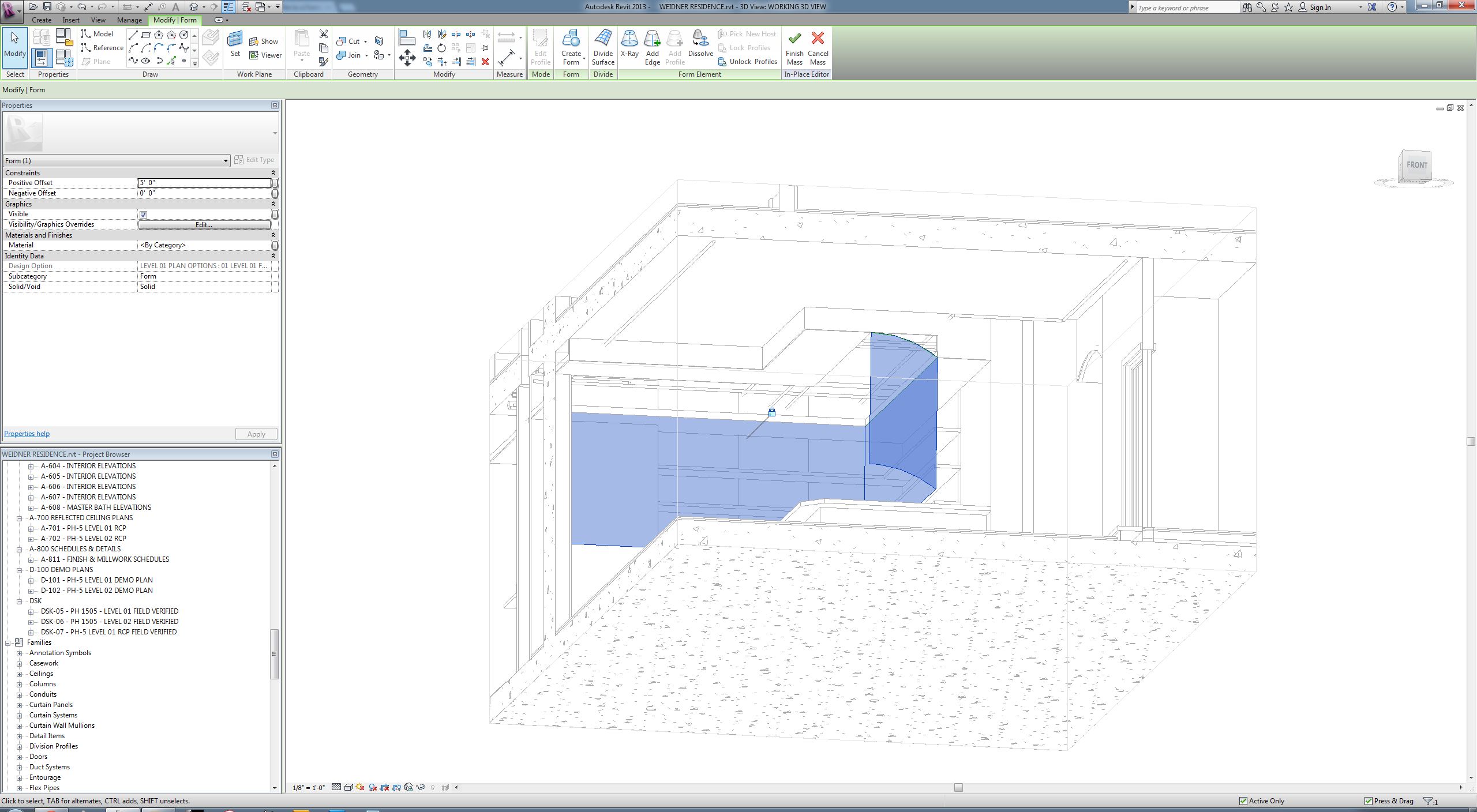
I've read a few different forums on creating an in place mass so that I can use for creating an arched soffit. All I want to do is draw a profile and have that profile sweep along a path. Not sure what I'm missing but this is not as easy as I thought it would be. I thought that if I drew a profile, drew reference lines along the path I wanted, and then selected the profile and the reference lines and created form I would have my little sweep. Instead Revit gives me some strange extrusion that does not follow any paths. What is the secret here that I'm missing?
|
This user is offline |
|
 | |
|
|
site moderator|||

Joined: Tue, May 22, 2007
5921 Posts
 |
"Profiles" must be "Closed Loops" that's the key: http://screencast.com/t/NKRSRjhba
-----------------------------------
I Hope and I Wish to LEARN more, and more, and more.... REVIT |
This user is offline |
|
|
|
Similar Threads |
|
Sweeping Solid In-Place Mass |
Revit Building >> Technical Support
|
Tue, Apr 27, 2010 at 3:30:38 AM
|
7
|
|
'forms' not available in 'in place mass' or components.please help |
Revit Building >> Technical Support
|
Fri, Aug 30, 2013 at 3:20:58 AM
|
2
|
|
In-Place Mass Wirefram |
Community >> Newbies
|
Fri, Jan 11, 2013 at 8:47:32 AM
|
5
|
|
Formula driven mass - Sweep twisting of ground |
Revit Building >> Technical Support
|
Wed, Sep 2, 2015 at 2:12:40 PM
|
2
|
|
Sweep Profiles and Path's Not Visible |
Revit Building >> Technical Support
|
Mon, Apr 23, 2007 at 7:59:28 AM
|
2
|
|
|
Site Stats
Members: | 2161655 | Objects: | 23325 | Forum Posts: | 152479 | Job Listings: | 3 |
|
 Search