|
Forums >> Revit Building >> Technical Support >> Handrail Dimensions
|
|
|
active

Joined: Tue, Nov 17, 2009
148 Posts
No Rating |
Greetings.
I am having issues with dimensioning my handrails. I am sure that this is a simple fix but I have not been able to find it.
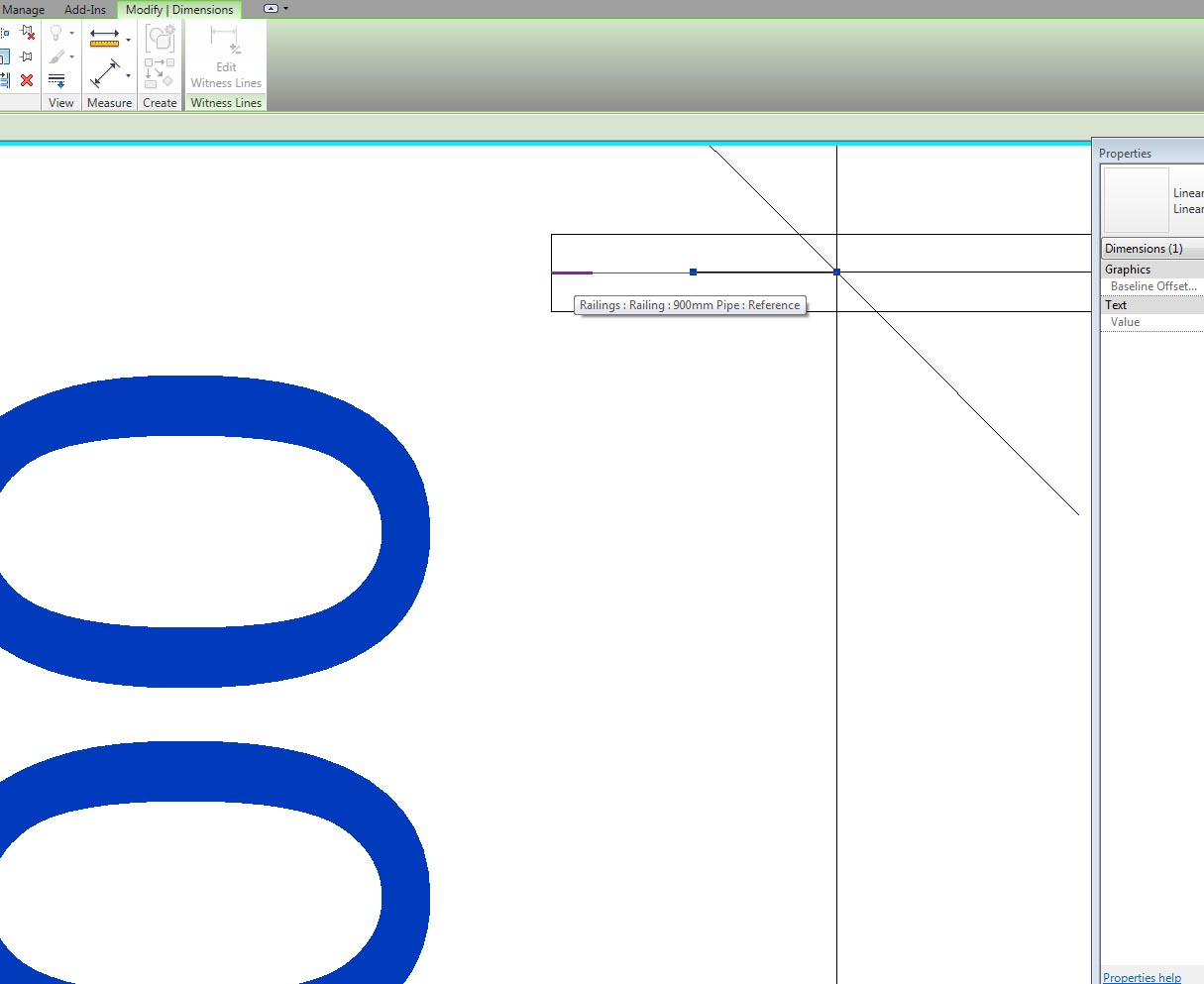
The attached PDF shows the issue, I cannot dimension to the top of the rail, only the centerline. I have editted the Rail profile so that there are reference lines at all 4 quadrants and center, but I cannot resolve this.
Does anyone have any insight?
-----------------------------------
Ian Shafer
Principal Consultant
True North S&F Consultants |
This user is offline |
View Website
|
 |
|
|
|
active
Joined: Tue, Nov 17, 2009
148 Posts
No Rating |
apologies ... RAC 2011.
-----------------------------------
Ian Shafer
Principal Consultant
True North S&F Consultants |
This user is offline |
View Website
|
|
|
site moderator|||
Joined: Tue, May 16, 2006
13079 Posts
 |
As far as I know, you are right. I always a 2D line by pointing to the handrail.
|
This user is offline |
|
|
|
active
Joined: Tue, Nov 17, 2009
148 Posts
No Rating |
thanks. That's what I'm having to do ... seems lacking. I'm disappointed that the reference lines are not being recognized in all instances. I hope that there is a solution though.
-----------------------------------
Ian Shafer
Principal Consultant
True North S&F Consultants |
This user is offline |
View Website
|
|
|
active

Joined: Thu, May 28, 2009
829 Posts
 |
I've got a simple solution for you -- If you draw the profile as two vertical semicircles, instead of a circle, you'll have a dimensionable (is that a word?) point at the top and bottom of the rail. As it stands, a circle only has two... reference points. The center of the circle, and the origin, where you first drew the radius length of the circle. If that makes sense. In your model, that is at the bottom of the profile, to the middle.
It could have been drawn from the side of the circle, to the center, and then it'd appear as if you had only one dimensionable point. Or if your circle had been drawn top to center, this would also seem to dimension correctly to the top.
Just a silly thing, essentially is a circle only has one "edge" line on its surface, and in this case that line is not at the top. Notice how when you draw a circle it only has one blue dot on the circumfrence.
Also, you don't need more planes or locked dimensions than the up/down left/right that come in the railing profile template. It should suffice to just draw the profile in there without locks and such.
Edited on: Fri, Jul 1, 2011 at 3:37:49 PM
|
This user is offline |
|
|
|
active
Joined: Tue, Nov 17, 2009
148 Posts
No Rating |
thanks. That's what I'm having to do ... seems lacking. I'm disappointed that the reference lines are not being recognized in all instances. I hope that there is a solution though.
-----------------------------------
Ian Shafer
Principal Consultant
True North S&F Consultants |
This user is offline |
View Website
|
|
|
active
Joined: Thu, May 28, 2009
829 Posts
|
Hmm, that's sort of a hassle. But you can still find a centerline if you dimension to the ends of the railings. At every join and end condition you'll find a little centerline segment you can dimension to in plan.
|
This user is offline |
|
|
|
active
Joined: Tue, Nov 17, 2009
148 Posts
No Rating |
itsmyalterego
This works in elevation/section but now I cannot dimension the railings in plan ... So I modified the profile to be 4 arcs (ending at the quadrants) but that does not resolve.
I'm still looking for the answer. I've attached my current rail profile for anyone who wishes to help ...
-----------------------------------
Ian Shafer
Principal Consultant
True North S&F Consultants |
This user is offline |
View Website
|
|
|
active
Joined: Thu, May 28, 2009
829 Posts
|
I don't know what to say.. I'm using the sample project you linked, and your latest railing profile. Maybe try isolating the railing for a sec, or tabbing through to see if it brings up the centerline? Stronger references might be nearby, like edge of stair?
pic of end condition seeing reference
Edit: wireframe does make it easier to select.
Edited on: Fri, Jul 1, 2011 at 4:27:31 PM
|
This user is offline |
|
|
|
active
Joined: Tue, Nov 17, 2009
148 Posts
No Rating |
I dont understand why, but I cannot select the end of the railing ... here is the current file.
-----------------------------------
Ian Shafer
Principal Consultant
True North S&F Consultants |
This user is offline |
View Website
|
|
|
|
|
active
Joined: Thu, May 28, 2009
829 Posts
|
I can dimension in level 1.
Level 2 of your sample project is... weird. I can't explain that, at all.
|
This user is offline |
|
|
|
active
Joined: Tue, Nov 17, 2009
148 Posts
No Rating |
to update ... Autodesk responded to my support request. Here is their response:
"After some research, it looks like the issue is that the stair and railings are on the level below the one associated with the view, and are entirely below the cut plane. It looks like Revit will not dimension the railings if they are not cut.
The railings dimension normally in the view associated with the level the railings. I also tried moving the railings to the Level 1 view and they dimension normally there as well."
I am still stumped as to how to address this issue. Does anyone have any clues ??
-----------------------------------
Ian Shafer
Principal Consultant
True North S&F Consultants |
This user is offline |
View Website
|
|
|
active
Joined: Tue, Nov 17, 2009
148 Posts
No Rating |
Sorry. I forgot to add that I have created a copy of Level 1 changing the cut plane to 4800 so that it will look like Level 2 (at 4100) and cut the railings. I am still unable to dimension the railings in either the modified level 1 (level 2-like) view or the section view.
-----------------------------------
Ian Shafer
Principal Consultant
True North S&F Consultants |
This user is offline |
View Website
|
|
|

 Search
 94442_RAILING_ISSUES.rvt
 94442_RAILING_ISSUES.pdf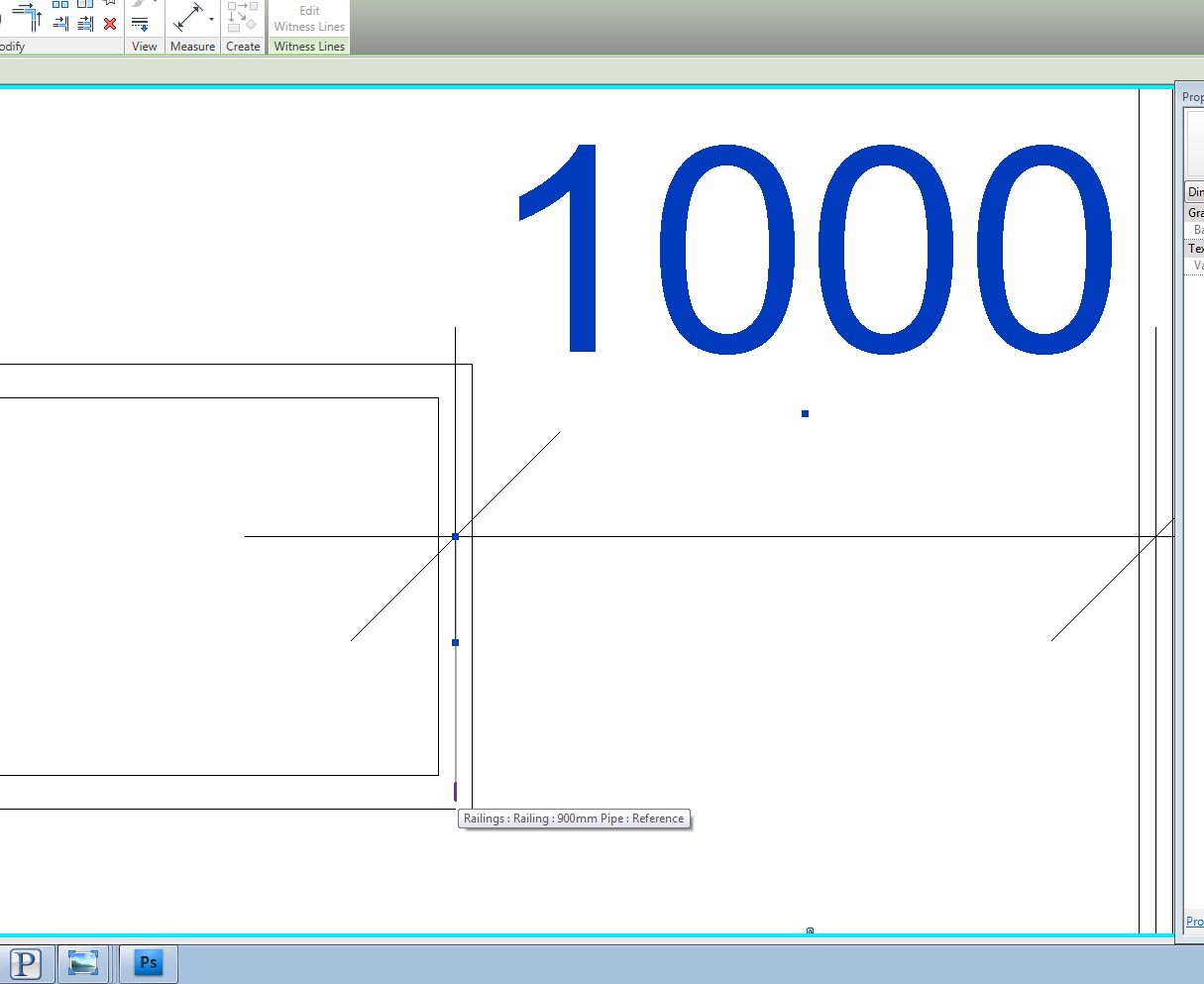
 94460_.Circular_Handrail.rfa