|
|
|
Home | Forums |
Downloads | Gallery |
News & Articles | Resources |
Jobs | FAQ |
| Join |
Welcome !
|
5 Users Online (3 Members):
Show Users Online
- Most ever was 626 - Mon, Jan 12, 2015 at 2:00:17 PM |
Forums
|
Forums >> Revit Building >> Technical Support >> Floor Elevation
|
|
|
active
Joined: Sat, Dec 18, 2010
4 Posts
No Rating |
Hello, I have four buildings and each one must start with different elevation (base floor). First I have drawn one block and then created other blocks by copy-paste method (I don't know different method). At this moment stopped because I have to give different elevation value for each block. First block-basement start with 0, the other blocks starts with 1.5 m Please help me if anyone knows the solution. Thanks in advance. Ahmet KILIÇ akilic41@yahoo.com.tr
|
This user is offline |
|
 | |
|
|
site moderator|||

Joined: Tue, May 22, 2007
5921 Posts
 |
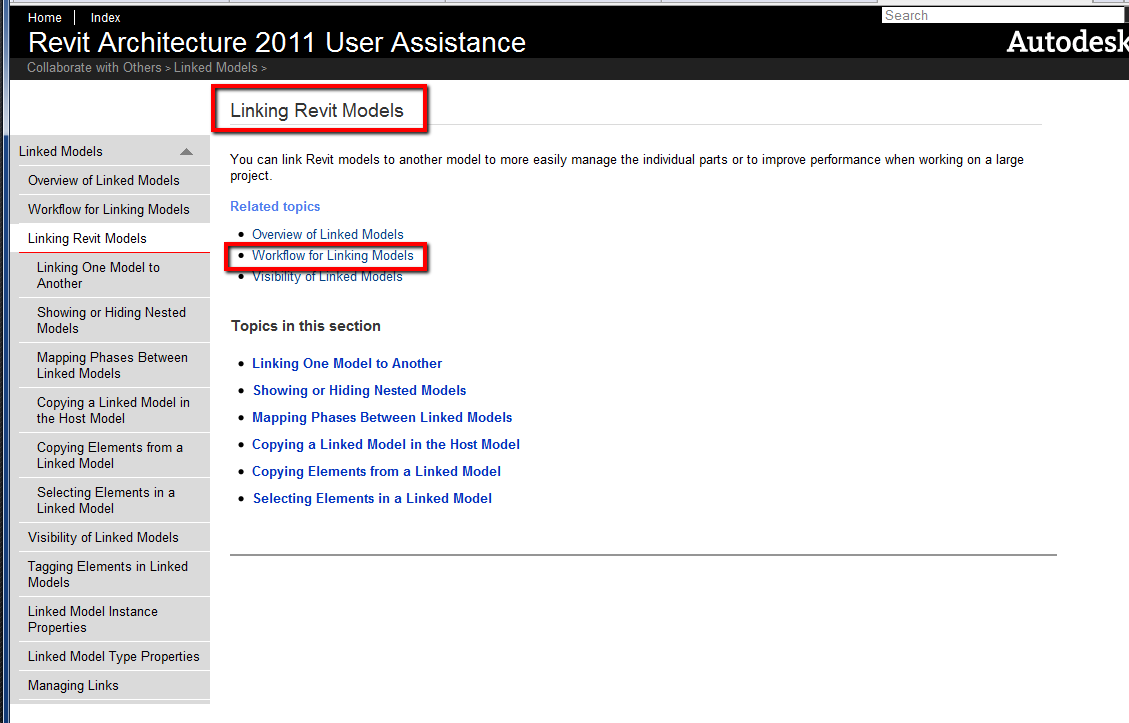
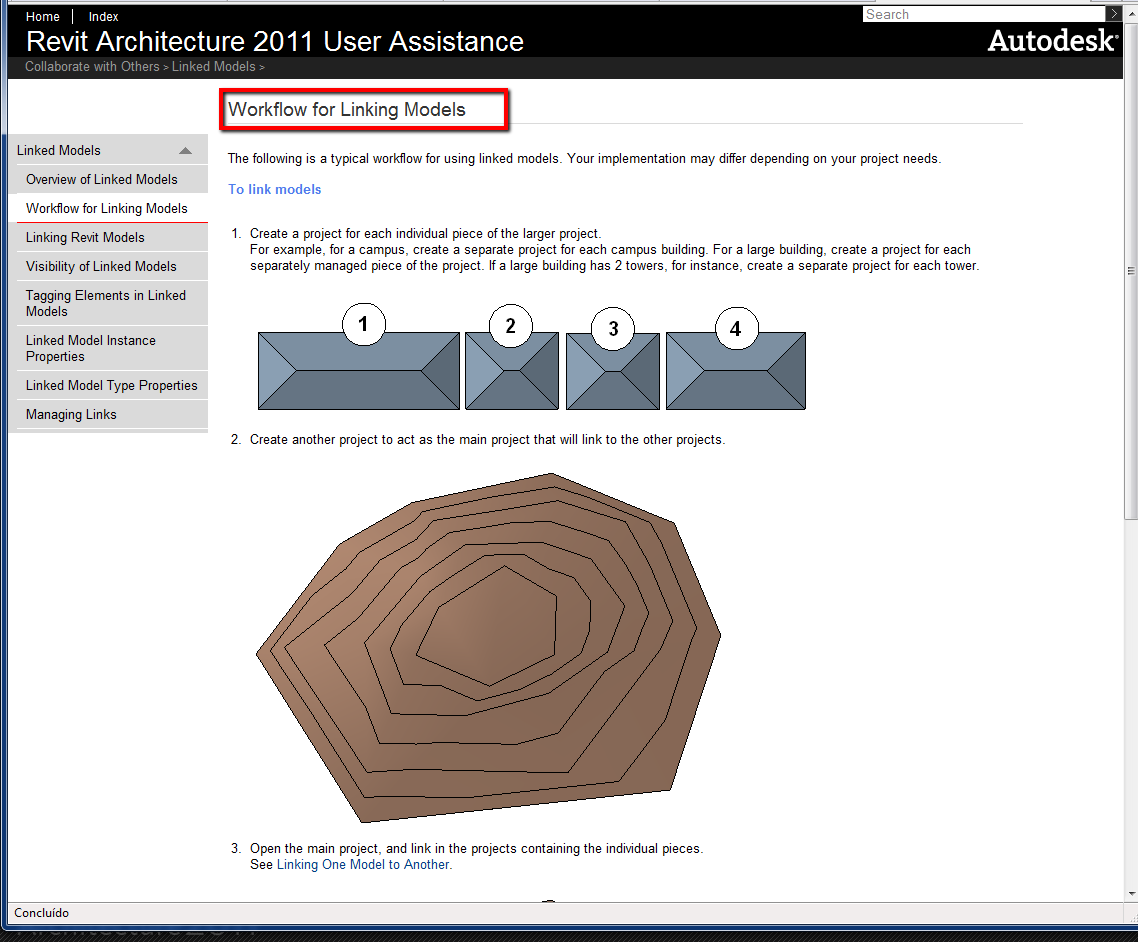
Look in your HELP menu how you can work with "Linking Models"
-----------------------------------
I Hope and I Wish to LEARN more, and more, and more.... REVIT |
This user is offline |
|
|
|
site moderator|||
Joined: Tue, May 16, 2006
13079 Posts
 |
Typhoon is right, If you have 4 seperate buildings, then you should consider 4 different models and link them together. Or is this just a massing study? You metion creating blocks. Is that a mass or are you using an autocad term here? If it is a mass, then you should consider seperate masses. In place family extrusions are meant for single placement, not multiple.
|
This user is offline |
|
|
|
active
Joined: Sat, Dec 18, 2010
4 Posts
No Rating |
" Look in your HELP menu how you can work with "Linking Models" " Thank you very much. I applied linked models to my project. It solved my problem.
|
This user is offline |
|
|
|
Similar Threads |
|
Elevation Markers: visible on all floors |
Revit Building >> Technical Support
|
Mon, Nov 7, 2011 at 12:24:27 PM
|
5
|
|
Floor tag - elevation spot |
General Discussion >> Revit Project Management
|
Thu, Apr 27, 2017 at 7:20:09 AM
|
4
|
|
Elevation Level Marker Associated To Wrong Floor Plan |
General Discussion >> Revit Project Management
|
Wed, Feb 25, 2015 at 10:44:23 AM
|
4
|
|
Hide the elevation circles from floor plan |
Revit Building >> Technical Support
|
Thu, Nov 15, 2007 at 11:07:46 AM
|
4
|
|
Elevation Lines and floor plans |
Revit Building >> Technical Support
|
Wed, Jan 26, 2011 at 12:21:39 PM
|
3
|
|
|
Site Stats
Members: | 2161655 | Objects: | 23325 | Forum Posts: | 152479 | Job Listings: | 3 |
|
 Search