|
|
|
Home | Forums |
Downloads | Gallery |
News & Articles | Resources |
Jobs | FAQ |
| Join |
Welcome !
|
7 Users Online (5 Members):
Show Users Online
- Most ever was 626 - Mon, Jan 12, 2015 at 2:00:17 PM |
Forums
|
Forums >> Revit Building >> Technical Support >> Rendering Trees in Revit 2010
|
|
|
active
Joined: Fri, Dec 2, 2005
21 Posts
 |
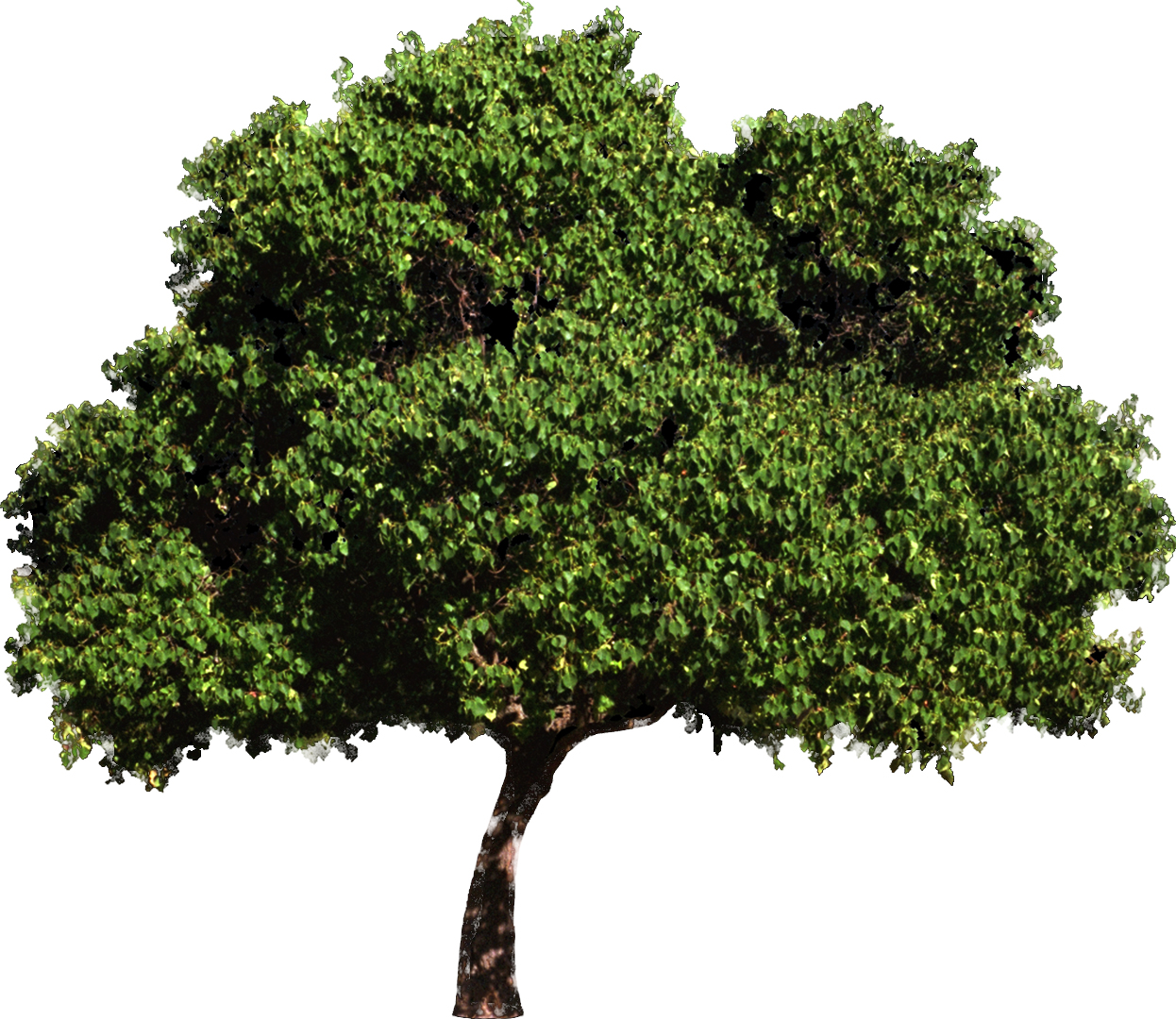
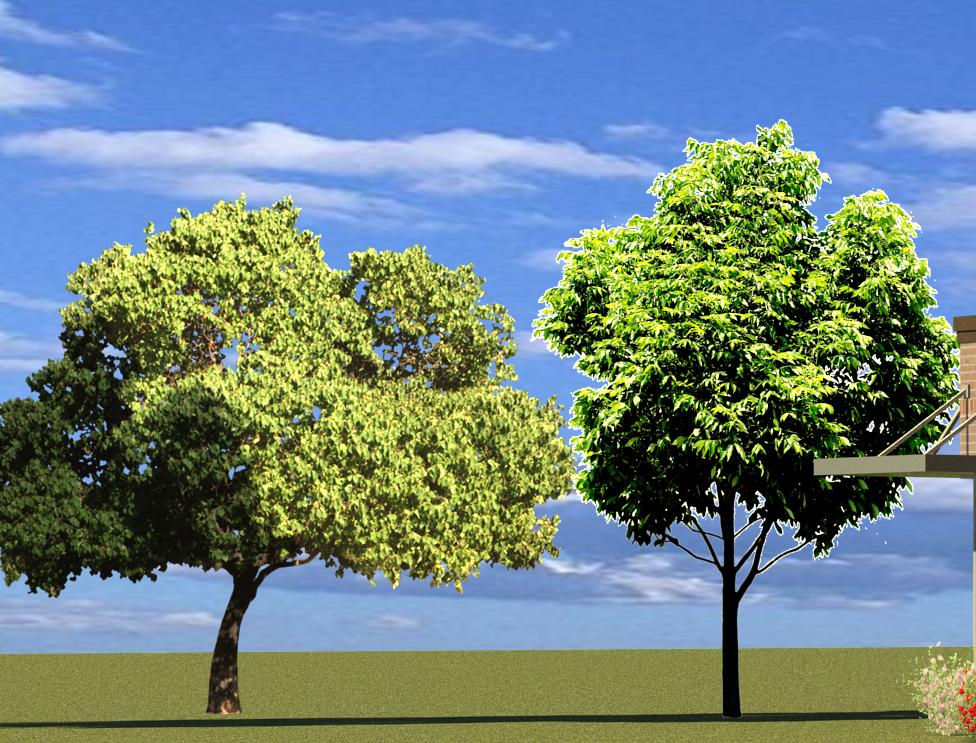
Hi Everyone, I created a tree using archvision RPC Creator. The image I use looks great but when I render the view, the building looks good but the trees look washed out, bright and definitely not as good as the tree jpg I used. I also find the trees that come with revit do the same thing. Surely the trees should look better than this, right? These two trees are the ones I created. I also attached the two jpegs I used to create the RPC. thanks, salarch2
|
This user is offline |
|
 | |
|
|
active
Joined: Fri, Dec 2, 2005
21 Posts
|
It looks like the Revit Rendering didn't attach. Try this...Salarch2
|
This user is offline |
|
|
|
active
Joined: Fri, Dec 2, 2005
21 Posts
|
Sorry, I meant to say I was using Revit 2011.
|
This user is offline |
|
|
|
active
Joined: Fri, Dec 2, 2005
21 Posts
|
Hi Everyone,
I am bringing this thread to the top again because I am still having these issues and was hoping someone would know the answer. Please see above posts.
thank you,
salarch2
|
This user is offline |
|
|
|
active

Joined: Mon, Jul 13, 2009
273 Posts
 |
Its happening with defaults trees? ... maybe your overexposing the render, try at 12 of exposition, in a test proyect , outdoors.
|
This user is offline |
|
|
|
active
Joined: Thu, Oct 7, 2010
64 Posts
 |
I think this is because the artificial sun is lighting up the trees. You have a sun lighting your model so obviously its going to light up everything. What if you modify the contrast your original jpeg to darken the image?
|
This user is offline |
|
|
|
active
Joined: Fri, Nov 19, 2010
2 Posts
No Rating |
I posted my own post wondering how to create RPC trees using a jpeg image and since you obviously know how to do this is there anyway you can tell me how to do this. Here was my post
"So I really need to find out how to make my own rpc trees and shrubs using jpeg photos of the different plants. I live in phoenix and we have lots of cacti, and unique looking plants that I cannot find anything that works in revit or on the internet. When I try and put it through photoshop it just does not look the same as a revit rendering because of shadows and relationship to other plants etc... so I need to figure out how to make my own plants using my own pictures. I am not really well versed in revit terminology so please try and be as clear and simplistic in your explanation as possible.
Thanks"
|
This user is offline |
|
|
|
Similar Threads |
|
Rendering problem(trees) |
General Discussion >> Revit Project Management
|
Mon, Nov 16, 2009 at 10:05:39 AM
|
2
|
|
Very Slow Rendering (many RPC trees) |
Revit Systems >> Technical Support
|
Tue, Apr 13, 2010 at 3:47:25 AM
|
5
|
|
Revit 2012 problem rendering RPC trees |
Revit Building >> Technical Support
|
Tue, Sep 6, 2011 at 5:26:07 AM
|
4
|
|
rendering trees libaray |
Revit Building >> Technical Support
|
Wed, Jan 9, 2008 at 8:14:27 PM
|
3
|
|
rendering trees in winter??? |
Revit Building >> Technical Support
|
Tue, Dec 14, 2010 at 5:46:53 AM
|
2
|
|
|
Site Stats
Members: | 2161655 | Objects: | 23325 | Forum Posts: | 152479 | Job Listings: | 3 |
|
 Search