|
|
|
Home | Forums |
Downloads | Gallery |
News & Articles | Resources |
Jobs | FAQ |
| Join |
Welcome !
|
655 Users Online (19 Members):
Show Users Online
- Most ever was 3914 - Wed, Aug 26, 2026 at 4:53:14 AM |
Forums
|
Forums >> Community >> Newbies >> topo lines under trees
|
|
|
active
Joined: Wed, Nov 4, 2009
6 Posts
No Rating |
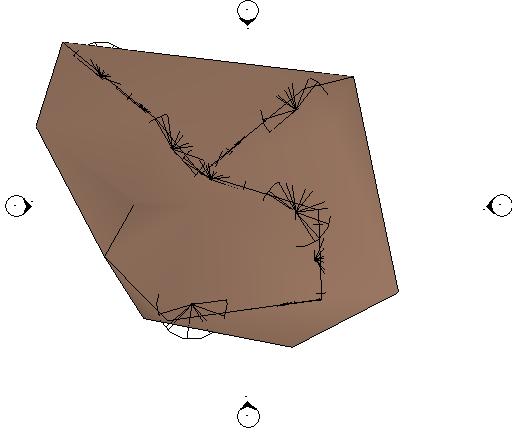
Is there a way to hide the topo lines underneath trees and other vegetation families in site plans other than taking the finished pdf into illustrator? Thanks Nick
|
This user is offline |
|
 | |
|
|
site moderator|||

Joined: Tue, May 22, 2007
5921 Posts
 |
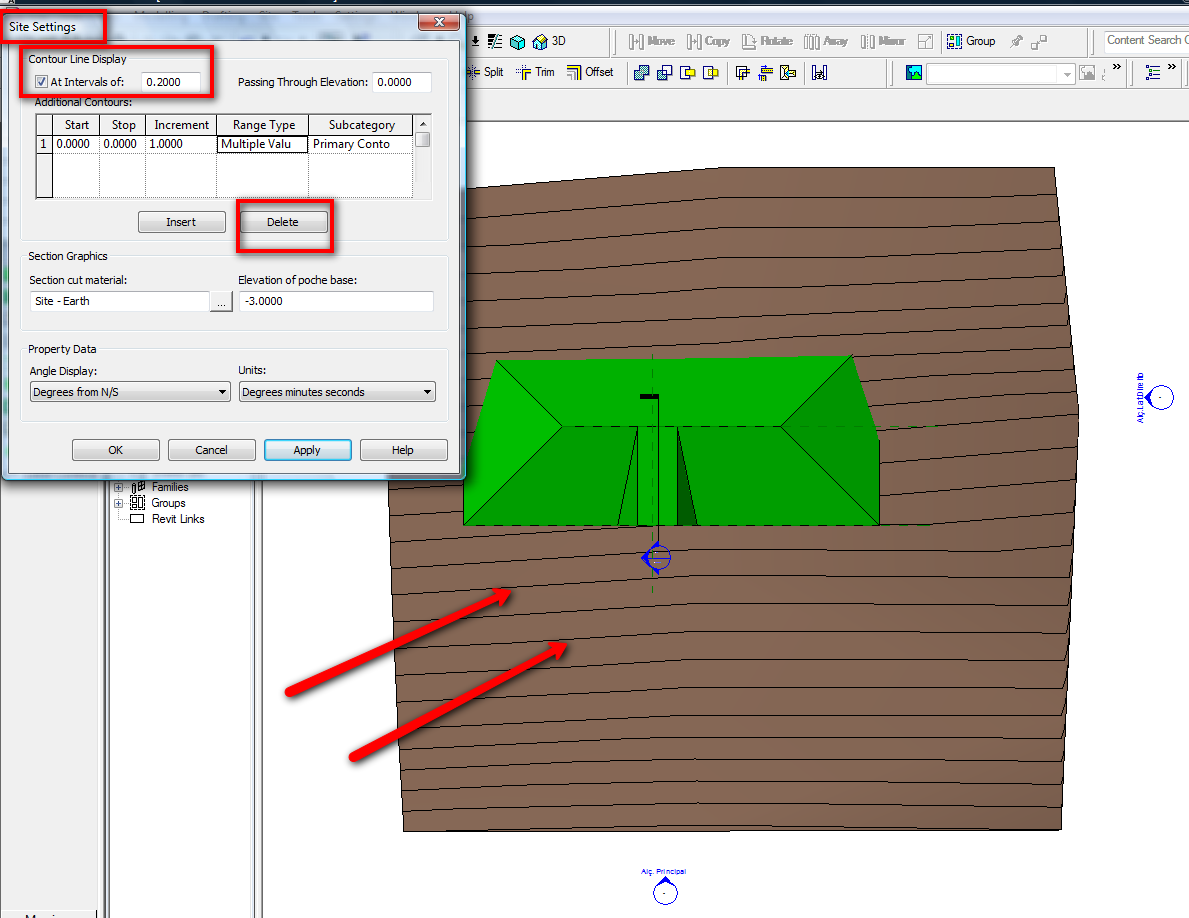
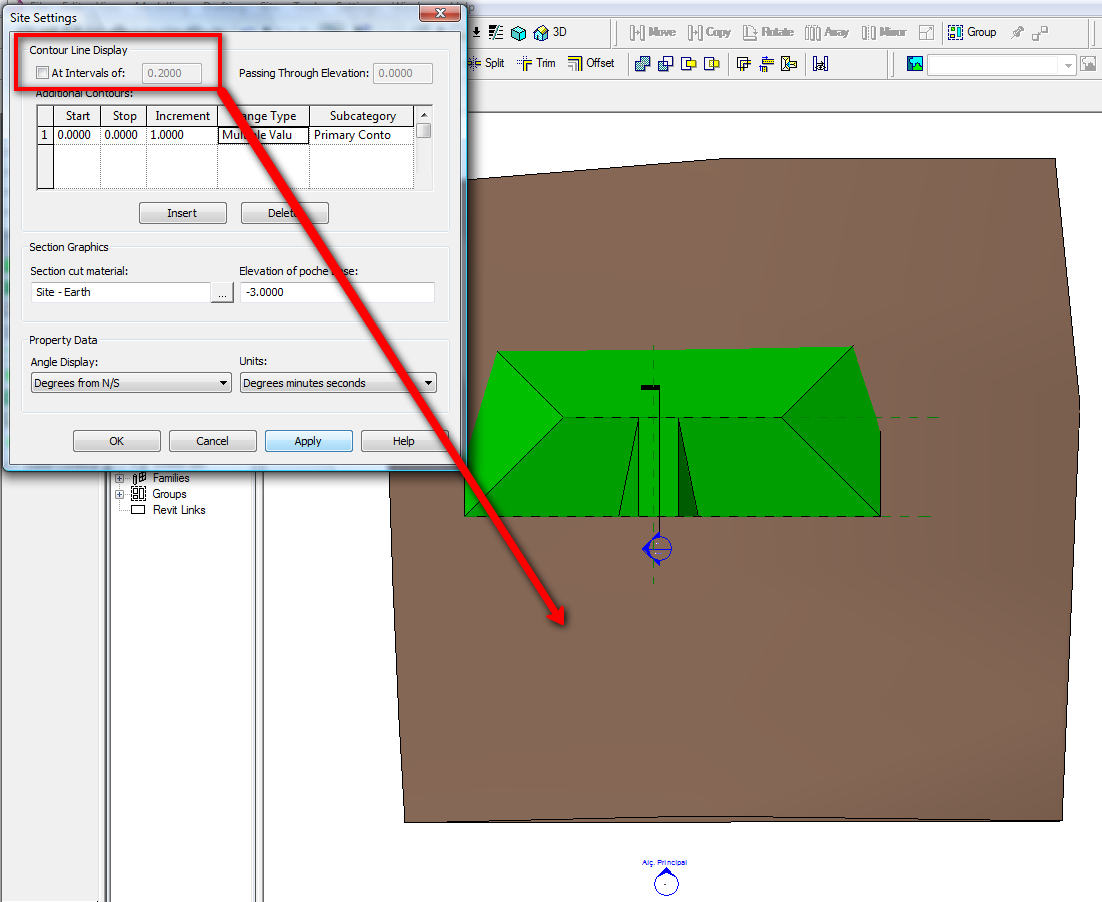
"Topo Lines" - are you talking about this topo lines?
Edited on: Tue, Feb 16, 2010 at 5:51:40 AM
-----------------------------------
I Hope and I Wish to LEARN more, and more, and more.... REVIT |
This user is offline |
|
|
|
active
Joined: Fri, Nov 7, 2008
135 Posts
 |
Typhoo i think he means that planting are transparent on plan of that the topo lines cut through them My only suggestion is to edit your tree and plant family and place a tree shaped profile above it, and have it hidden in certain views (like how the furniture families tend to work so they appear white on plan even with a legend)
-----------------------------------
- Just trying to help out while I wait in the office for my renders to complete www.danrossiter.co.uk |
This user is offline |
View Website
|
|
|
active
Joined: Fri, Nov 7, 2008
135 Posts
|
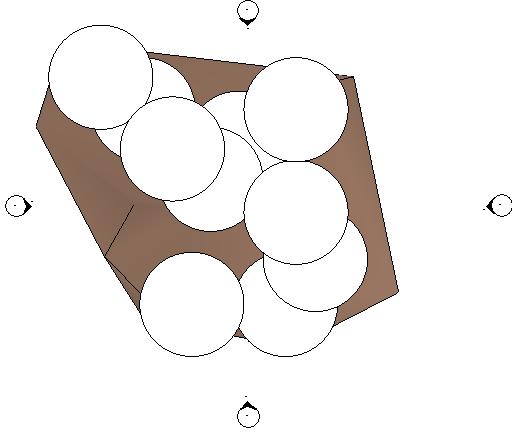
here, by editing my tree and putting a masking reigon at 'reference plane:top'I have made a simple cover for my trees, if you put more detail in, you can get the desired effect you're after
-----------------------------------
- Just trying to help out while I wait in the office for my renders to complete www.danrossiter.co.uk |
This user is offline |
View Website
|
|
|
active
Joined: Wed, Nov 4, 2009
6 Posts
No Rating |
I finally got around to trying to do this but when i tried to add the new level, it kept saying that it was invisible in that view and then it said it was visible in the visibility/overrides window.
|
This user is offline |
|
|
|
active
Joined: Fri, Nov 7, 2008
135 Posts
|
you dont make a new level select your tree, press edit in the family files just draw a mask reigon over your tree and make sure it's reference is reference:top
-----------------------------------
- Just trying to help out while I wait in the office for my renders to complete www.danrossiter.co.uk |
This user is offline |
View Website
|
|
|
Similar Threads |
|
Modeling Topo After Building |
General Discussion >> Revit Project Management
|
Fri, Jun 24, 2016 at 11:35:23 AM
|
2
|
|
rendering trees transparent |
Revit Building >> Tips & Tricks
|
Wed, Oct 10, 2012 at 4:06:37 AM
|
5
|
|
How to edit Accurender plants??? |
Revit Building >> Technical Support
|
Mon, Aug 16, 2004 at 4:03:09 AM
|
1
|
|
Site Plans |
Revit Building >> Technical Support
|
Wed, Jun 17, 2009 at 7:32:59 AM
|
2
|
|
Toposurface Elevation Base Point |
Revit Building >> Technical Support
|
Thu, Apr 28, 2016 at 4:29:56 PM
|
1
|
|
|
Site Stats
Members: | 2190981 | Objects: | 23399 | Forum Posts: | 152456 | Job Listings: | 0 |
|
 Search