|
|
|
Home | Forums |
Downloads | Gallery |
News & Articles | Resources |
Jobs | FAQ |
| Join |
Welcome !
|
38 Users Online (36 Members):
Show Users Online
- Most ever was 626 - Mon, Jan 12, 2015 at 2:00:17 PM |
Forums
|
Forums >> Revit Building >> Technical Support >> Something is going screwy
|
|
|
active
Joined: Mon, Sep 24, 2007
4 Posts
No Rating |
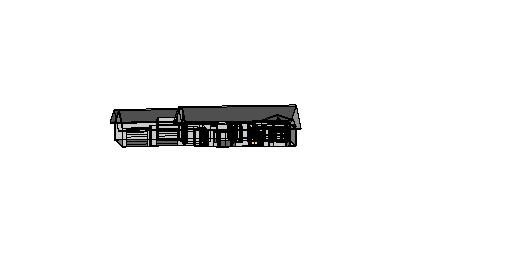
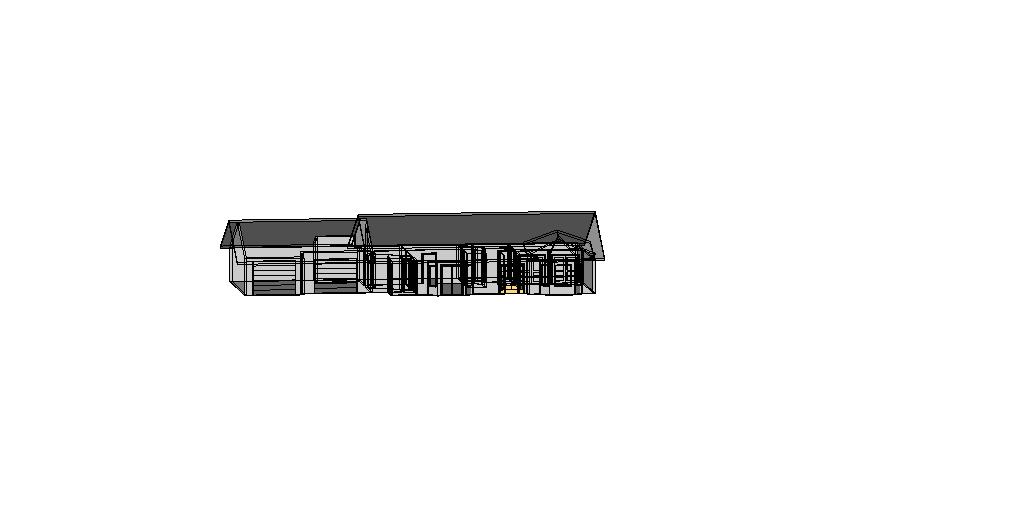
Something is going wrong with Revit 2009 on the computer. I am in shaded with edges color and you can see through the building. Something is really screwed up. Any Ideas how to fix this? Pic of screen building attached below
|
This user is offline |
|
 | |
|
|
active
Joined: Mon, Sep 24, 2007
4 Posts
No Rating |
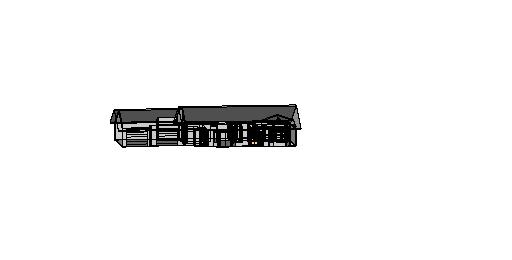
heres a better image
|
This user is offline |
|
|
|
active
Joined: Mon, Sep 24, 2007
4 Posts
No Rating |
try this one more time
|
This user is offline |
|
|
|
site moderator|||

Joined: Tue, May 22, 2007
5921 Posts
 |
Delete that 3D view and create a new one or go to View > orient > top then rotate this refresh all scene ... there are several threads here about this issue... see this: http://www.revitcity.com/forums.php?action=viewthread&thread_id=12902
Edited on: Thu, Sep 18, 2008 at 3:12:59 PM
-----------------------------------
I Hope and I Wish to LEARN more, and more, and more.... REVIT |
This user is offline |
|
|
|
Similar Threads |
|
HELP ME! DOORS? |
Revit Building >> Technical Support
|
Tue, Oct 17, 2006 at 9:59:29 AM
|
1
|
|
Casework below countertop not visible. |
Revit Building >> Technical Support
|
Wed, Jan 27, 2010 at 1:12:28 PM
|
0
|
|
Plumbing piping elbows |
Revit Systems >> Technical Support
|
Tue, May 29, 2007 at 3:07:52 PM
|
0
|
|
windows in links not showing up |
Revit Building >> Technical Support
|
Wed, Feb 14, 2007 at 11:22:42 AM
|
0
|
|
Exporting to CAD options? |
Revit Structure >> Technical Support
|
Mon, Mar 28, 2011 at 11:48:12 AM
|
0
|
|
|
Site Stats
Members: | 2161655 | Objects: | 23325 | Forum Posts: | 152479 | Job Listings: | 3 |
|
 Search