|
|
|
Home | Forums |
Downloads | Gallery |
News & Articles | Resources |
Jobs | FAQ |
| Join |
Welcome !
|
4 Users Online (2 Members):
Show Users Online
- Most ever was 626 - Mon, Jan 12, 2015 at 2:00:17 PM |
Forums
|
Forums >> Revit Building >> Technical Support >> 3D Wall Section
|
|
|
active
Joined: Tue, Apr 22, 2008
24 Posts
 |
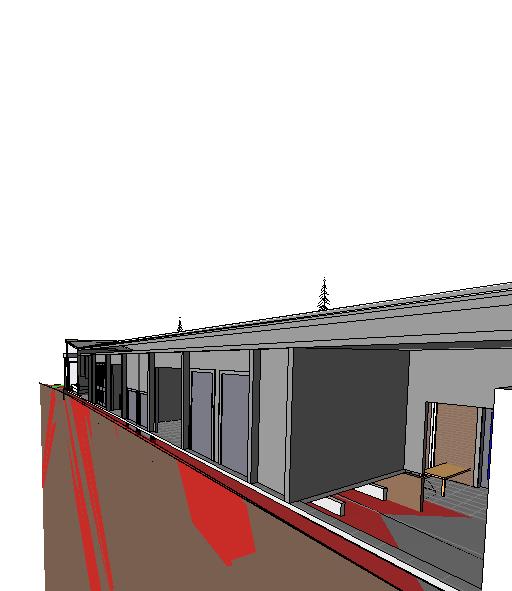
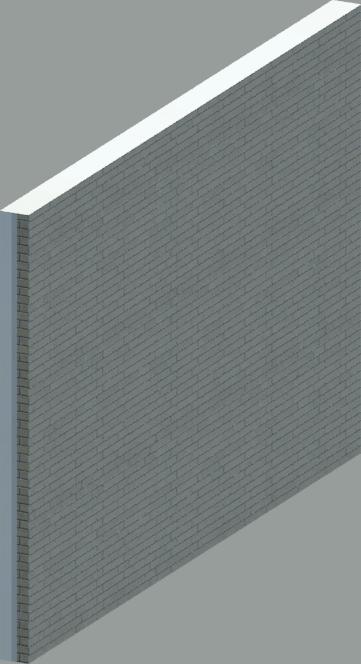
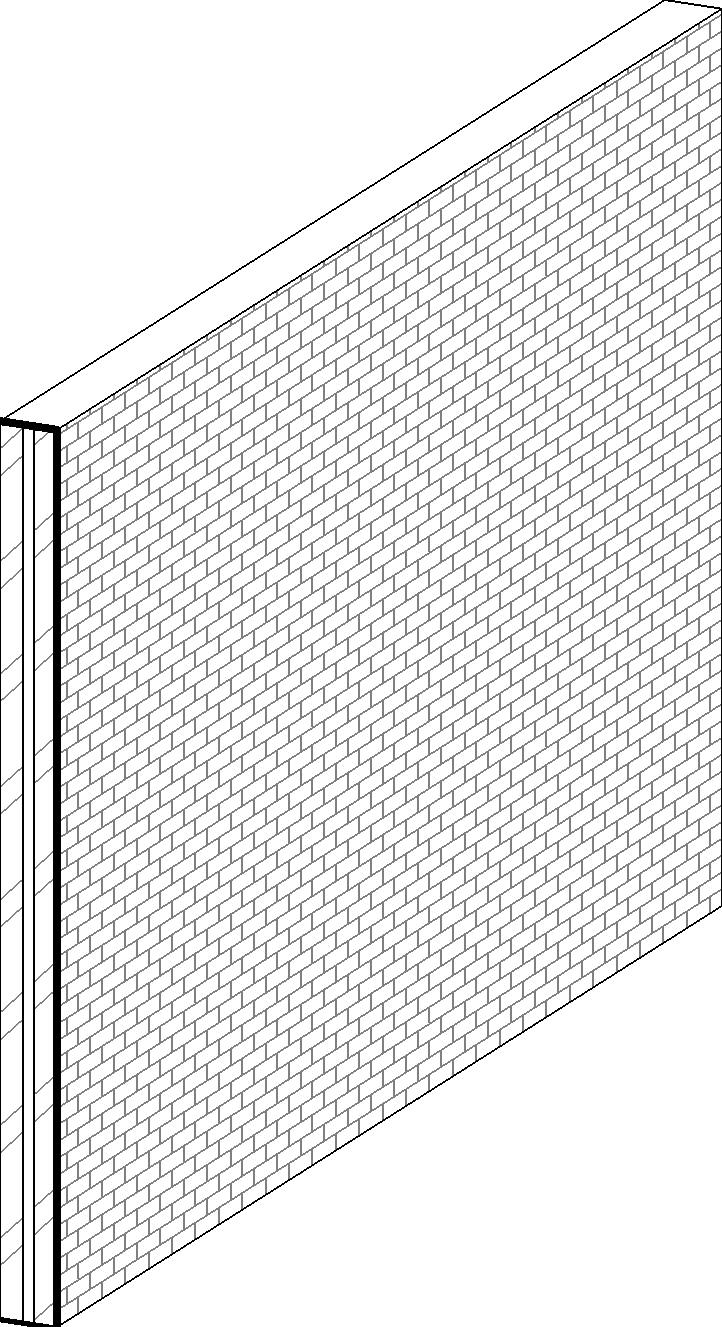
Does anyone know if there is a way to make 3D Wall Sections. I need to make some sections for a presentation to a contractor, and would like to show them in 3D if possible.
|
This user is offline |
|
 | |
|
|
active

Joined: Thu, Dec 13, 2007
135 Posts
 |
There sure is. Create a section that cuts the area you want, then create a new 3D area. Open up the 3D view and click view-->Orient to View then select the section you just created. Another way is to create a 3D view and go to the element properties, and under the extents tab you should see "section box". Click this, then a section box will come up, and you can change its cropping region.
-----------------------------------
- Core 2 Duo E8400 3ghz
- 756mb Nvidia 9600GSO 256bit
- 6gb Kingston RAM 800mz DDR2
- Windows XP Service Pack 3 32-bit
|
This user is offline |
|
|
|
Similar Threads |
|
Using 2d group for Wall section, section details called out from wall section? |
Revit Building >> Technical Support
|
Fri, Oct 9, 2015 at 10:50:56 AM
|
2
|
|
The option to create Wall section not showing up, only building section. |
General Discussion >> Revit Project Management
|
Wed, Jan 23, 2013 at 3:16:46 PM
|
2
|
|
Wall Section won't show in both plan and building section |
Revit Building >> Technical Support
|
Wed, Jan 29, 2014 at 6:52:25 AM
|
1
|
|
section tags for broken wall sections |
Revit Building >> Technical Support
|
Fri, Dec 7, 2007 at 10:57:25 AM
|
0
|
|
Earth and Wall cut patterns not showing in wall section... |
Revit Building >> Technical Support
|
Thu, Jan 5, 2012 at 3:08:36 PM
|
7
|
|
|
Site Stats
Members: | 2161655 | Objects: | 23325 | Forum Posts: | 152479 | Job Listings: | 3 |
|
 Search