|
|
|
Home | Forums |
Downloads | Gallery |
News & Articles | Resources |
Jobs | FAQ |
| Join |
Welcome !
|
19 Users Online (17 Members):
Show Users Online
- Most ever was 626 - Mon, Jan 12, 2015 at 2:00:17 PM |
Forums
|
Forums >> Community >> The Studio >> Split Region and Rendering Questions
|
|
|
active
Joined: Tue, Jun 10, 2008
10 Posts
No Rating |
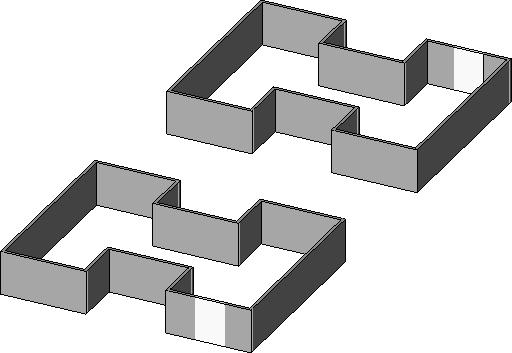
I am using Revit 2009. I have a two bldg project. They are basically a mirror of each other. On the west wall of the west bldg I needed to use split region to create a area with a different color on the wall. I have to make the same area on the east wall of the east bldg. I go to the east elevation and select the wall for the split region and it gives me the west wall of the west bldg and it won't let me create the region. I tried using a slightly smaller region and that doesn't work. I tried selecting the wall first then the command but you have to reselect the wall and I get the west wall again. Any fix on this?Same poject, I want to render a 3D view then move it over to a 24x36 sheet. I move it over to the sheet and it is very small. I go back to the rendering and change the scale to 1:1 and it is still too small. I use the custom feature and try to go 1:-2 and that doesn't work and box comes up that says I must put in an integer. What can I do to make it bigger?
|
This user is offline |
View Website
|
 | |
|
|
site moderator|||

Joined: Tue, May 22, 2007
5921 Posts
 |
Sincerelly i don't understand what's the problem in split the walls.... the error "I must put in an integer" it's because you put the sign "-"
-----------------------------------
I Hope and I Wish to LEARN more, and more, and more.... REVIT |
This user is offline |
|
|
|
Similar Threads |
|
topographical sidewalk |
Community >> The Studio
|
Tue, Nov 8, 2005 at 12:05:17 AM
|
3
|
|
join wall with split region with wall without split region |
Revit Building >> Technical Support
|
Wed, Dec 21, 2011 at 8:30:01 AM
|
4
|
|
Masking Region Fill Region Problem |
Revit Building >> Technical Support
|
Mon, Mar 10, 2008 at 11:06:24 AM
|
2
|
|
CMU Hatching/ Alternate Bands |
Revit Building >> Technical Support
|
Fri, Jul 20, 2007 at 9:32:01 AM
|
1
|
|
stairs vs. plan region vs. "split level" |
Revit Building >> Technical Support
|
Tue, Jun 12, 2007 at 1:35:09 PM
|
0
|
|
|
Site Stats
Members: | 2161655 | Objects: | 23325 | Forum Posts: | 152479 | Job Listings: | 3 |
|
 Search